CI/CD Patterns for Environment Validation
Catch missing env vars before they reach production with ctroenv check and validate.
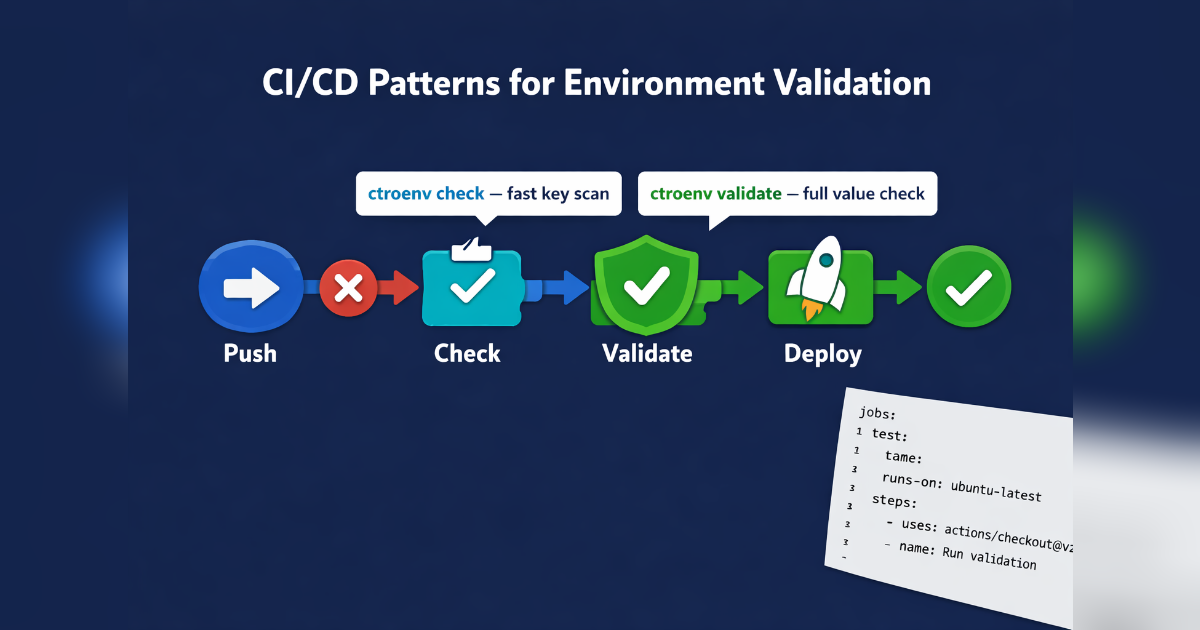
CI/CD Patterns for Environment Validation
Environment variables are the most common runtime misconfiguration. A missing DATABASE_URL in production is a rollback. CtroEnv's CLI commands catch this in CI instead.
The Two Commands
CtroEnv has two CI-relevant commands with different tradeoffs:
| Command | Speed | What it checks | Best for |
|---|---|---|---|
ctroenv check | Fast (no import) | Key comparison only | Quick CI gates |
ctroenv validate | Slow (imports schema) | Keys + values | Pre-deploy verification |
Pattern 1: Quick Key Check (Every PR)
Use check without --strict for a fast key comparison. It parses your .env file as plain text — no schema import needed.
# .github/workflows/env-check.yml
name: Env Check
on: [pull_request]
jobs:
  check:
    runs-on: ubuntu-latest
    steps:
      - uses: actions/checkout@v4
      - run: npm ci
      - run: npx ctroenv check --source .env.example
Exit code 0 means all schema keys are present in .env.example. A developer who adds a new env var to the schema but forgets to add it to .env.example gets a failing CI check.
Pattern 2: Strict Validation (Pre-Deploy)
Add --strict to validate values against their validators:
deploy:
  steps:
      - run: npx ctroenv check --source .env.production --strict
This catches invalid URLs, out-of-range ports, and type mismatches. Useful before deploying to staging or production.
Pattern 3: Unknown Key Warnings
Enable --warn-unknown to detect keys in your .env file that aren't in the schema:
- run: npx ctroenv check --source .env --warn-unknownWhen a key like DATABSE_URL is misspelled, it suggests DATABASE_URL via Levenshtein distance:
⚠ Unknown key: "DATABSE_URL"
  → Did you mean "DATABASE_URL"?
Pattern 4: Full Validation in Build
For framework adapters, validation runs during build:
// vite.config.ts
import { ctroenvPlugin } from "@ctroenv/vite"

export default defineConfig({
  plugins: [
    ctroenvPlugin({ schema: "./src/env.ts", failOnError: true }),
  ],
})
// next.config.ts
import { withCtroEnv } from "@ctroenv/nextjs"
export default withCtroEnv(schema, nextConfig)If validation fails, the build exits with code 1 — no broken deployments.
Pattern 5: JSON Output for Custom Tooling
Both commands accept --json for programmatic consumption:
ctroenv check --source .env --json{
"source": ".env",
"total": 5,
"clean": false,
"summary": { "missing": 2, "unused": 1, "matched": 2 },
"missing": ["DATABASE_URL", "JWT_SECRET"],
"validationErrors": null,
"unknownSuggestions": []
}Pipe this into Slack notifications, dashboards, or your own validation tooling.
Pipeline Integration Matrix
| Tool | Command | Exit 1 when |
|---|---|---|
| GitHub Actions | ctroenv check --source .env | Missing keys |
| GitLab CI | ctroenv validate | Validation errors |
| CircleCI | ctroenv check --strict | Invalid values |
| Local pre-commit | ctroenv check --source .env | Out of sync |
| Build step | ctroenvPlugin() | Any error |
Enforcing Consistency
Use ctroenv generate to keep .env.example in sync:
npx ctroenv generate --output .env.exampleRun this before every commit (or as a pre-commit hook). The example file always matches the schema.