Protecting Secrets at Runtime
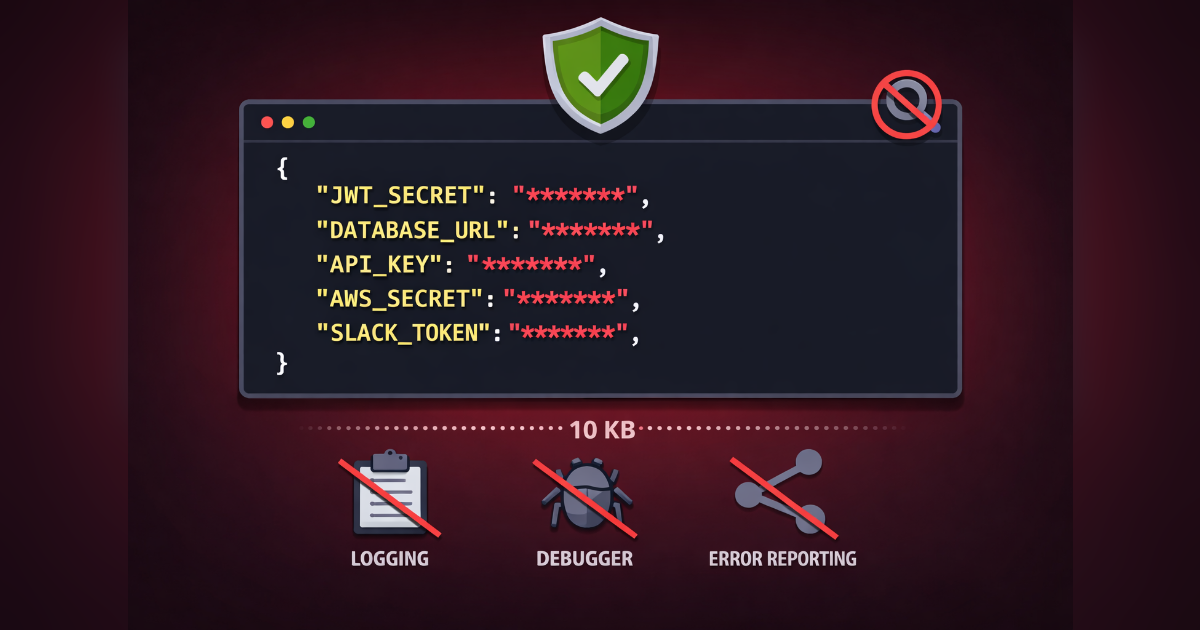
Runtime secret masking prevents accidental leaks of JWT secrets, API keys, and database credentials.
Protecting Secrets at Runtime
Accidentally logging a JWT_SECRET or printing a DATABASE_URL to the console is one of those mistakes that feels obvious in hindsight. CtroEnv's secret masking prevents the leak before it happens.
The Problem with Secrets
Standard practice says "keep secrets out of logs" — but in practice, they slip through:
console.log("Config loaded:", env)
// { JWT_SECRET: "super-secret-token" } — oops

JSON.stringify(env)
// {"JWT_SECRET":"super-secret-token"} — also oops

for (const key in env) {
  console.log(`${key}: ${env[key]}`)
  // JWT_SECRET: super-secret-token — oops
}
These patterns are common in debugging sessions, error reports, and startup logs. One moment of carelessness and your production secret is in your log aggregator.
Secret Masking
Mark a variable with .secret():
import { defineEnv, string } from "@ctroenv/core"

const env = defineEnv({
  JWT_SECRET: string().min(32).secret(),
  API_KEY: string().secret(),
  PORT: number().port().default(3000),
})
Any direct access to a secret key returns "********":
env.JWT_SECRET   // "********"
env.API_KEY      // "********"
env.PORT         // 3000 — non-secrets unaffected
This works via a runtime Proxy. The env object intercepts property reads and masks any key that was defined with .secret(). Non-secret values pass through normally.
Accessing Real Values
When you genuinely need the raw value, use env.meta:
env.meta.get("JWT_SECRET")       // actual value
env.meta.keys()                  // ["JWT_SECRET", "API_KEY", "PORT"]
env.meta.has("JWT_SECRET")       // true
env.meta.toJSON()                // { JWT_SECRET: "actual", ... }
The get() method is the explicit escape hatch. It signals intent — anyone reading the code can see "this line accesses a secret."
JSON.stringify
Secret masking integrates with serialization:
JSON.stringify(env)
// {"JWT_SECRET":"********","API_KEY":"********","PORT":3000}

// meta is non-enumerable — it doesn't appear in JSON
If you need the full object with real values, use:
env.meta.toJSON()
// {"JWT_SECRET":"actual-value","API_KEY":"actual-key","PORT":3000}
Error Messages
Errors also redact secrets. If a validation fails, the error message shows the key but not the attempted value — so you can debug without exposing credentials in stack traces.
When to Use .secret()
Good candidates for .secret():
- JWT secrets and signing keys
- API tokens for external services
- Database connection strings (if they contain credentials)
- Encryption keys
- OAuth client secrets
Not every env var needs masking. Non-sensitive values like PORT, NODE_ENV, and LOG_LEVEL are fine as-is.
Full Changelog
See the GitHub Release for the complete list of changes.