Migrating from dotenv to CtroEnv
Replace scattered process.env access with a single typed schema.
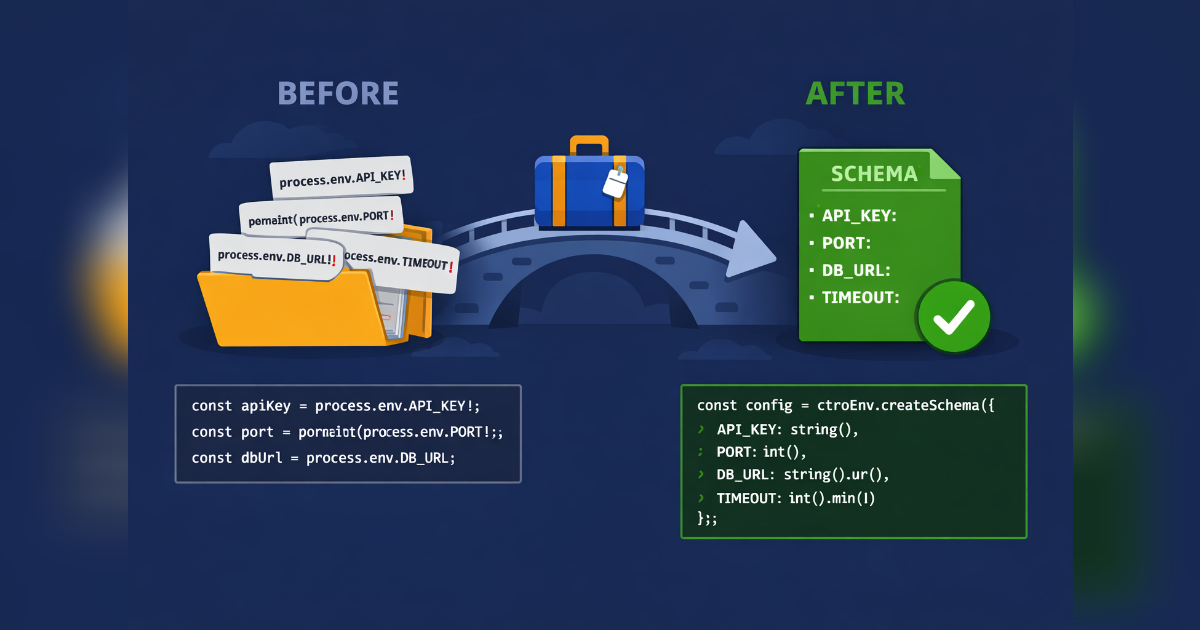
Migrating from dotenv to CtroEnv
dotenv loads files into process.env. CtroEnv validates, types, and secures them. Here's how to migrate incrementally.
Before: dotenv
A typical dotenv setup reads a .env file, then every file reads what it needs from process.env:
// config.ts
import "dotenv/config"

export const config = {
  port: parseInt(process.env.PORT ?? "3000", 10),
  dbUrl: process.env.DATABASE_URL!,
  jwtSecret: process.env.JWT_SECRET!,
  nodeEnv: process.env.NODE_ENV ?? "development",
}
Every access has a ! assertion or a manual default. Types are all string. A missing DATABASE_URL crashes at the point of use, not at startup.
Step 1: Install and Define a Schema
npm uninstall dotenv
npm install @ctroenv/core
// env.ts
import { defineEnv, string, number, pick } from "@ctroenv/core"
export const env = defineEnv({
PORT: number().port().default(3000),
DATABASE_URL: string().url(),
JWT_SECRET: string().min(32).secret(),
NODE_ENV: pick(["development", "production", "test"] as const).default("development"),
})Step 2: Replace References
// Before
import { config } from "./config"
const port = config.port
const dbUrl = config.dbUrl

// After
import { env } from "./env"
env.PORT       // number — 3000
env.DATABASE_URL // string — guaranteed present
CtroEnv validates everything at import time. If DATABASE_URL is missing, you get a clear error:
Missing required environment variable: DATABASE_URLNo more mysterious Cannot read properties of undefined at 3 AM.
Step 3: Handle the .env File
Replace dotenv/config with @ctroenv/node:
npm install @ctroenv/nodeimport { defineEnv } from "@ctroenv/core"
import { loadEnv } from "@ctroenv/node"
export const env = defineEnv(schema, { source: loadEnv() })loadEnv() reads .env → .env.development → .env.local with the same priority logic as dotenv. Pass { path: "../.." } for monorepo root files.
Step 4: Remove Type Assertions
dotenv leaves everything as string | undefined. CtroEnv gives you exact types:
| Before | After |
|---|---|
process.env.PORT! → string | env.PORT → number |
parseInt(process.env.PORT ?? "3000") | env.PORT → 3000 |
process.env.NODE_ENV as "dev" | "prod" | env.NODE_ENV → "dev" | "prod" |
Step 5: Add CI Validation (Optional)
npm install @ctroenv/cli# .github/workflows/env-check.yml
- run: npx ctroenv check --source .envThis compares your .env against the schema and exits 1 if any keys are missing.
Migration Checklist
- Remove all
process.env.Xcalls in your app - Replace
dotenv/configimport with@ctroenv/nodesetup - Add
.secret()to sensitive vars - Add
ctroenv checkto CI - Remove
process.envtype extensions (you won't need them)
What You Gain
- Startup validation — errors surface immediately
- Full TypeScript types — no
string | undefined - Secret masking —
.secret()prevents accidental leaks - Runtime adapters — same schema for Node, Vite, Next.js